
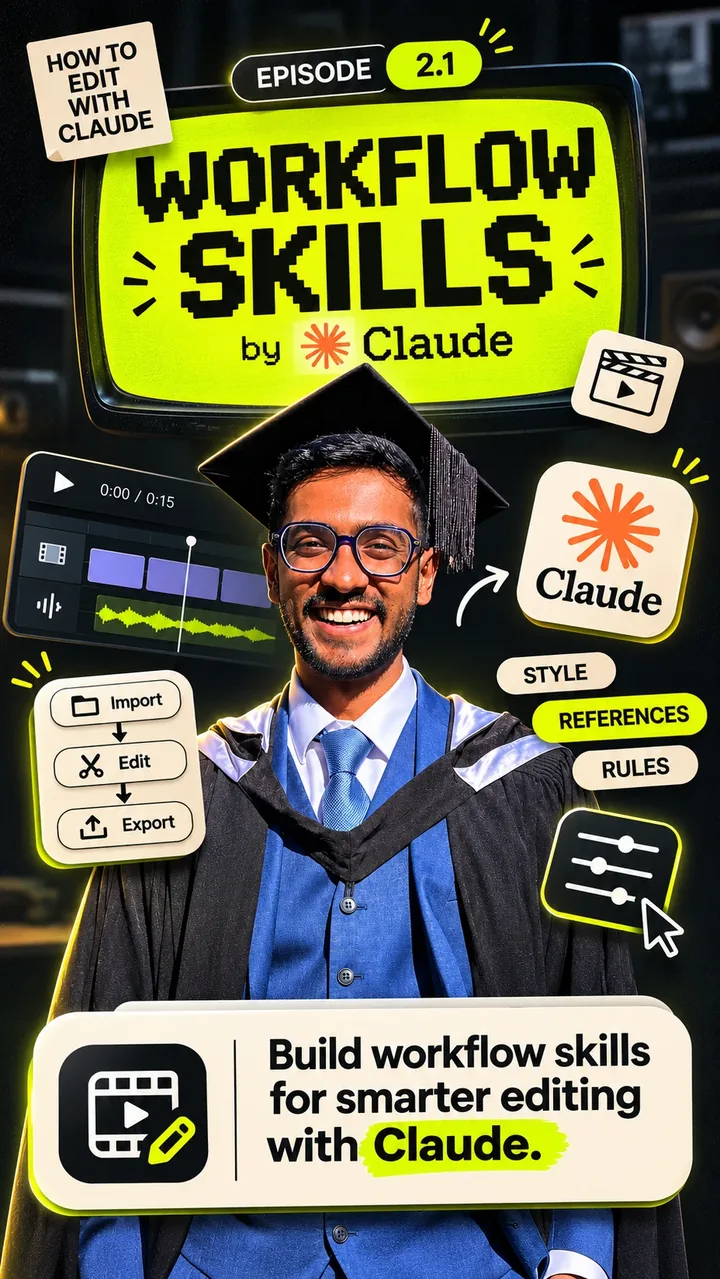
Episode 2.1 · Workflow skills
The 60-second version of this post, with all three prompts pinned in the comments. Start with Episode 1 on the same profile if you want to see Claude edit a reel first.
Eight years of cutting video. I've edited for one of the biggest creators I know, and I still make most of my own reels by hand. So when I say Claude edited Episode 1 of my Instagram series, I don't mean "it suggested some cuts". I mean it arranged the takes, pulled the b-roll, built the transitions and rendered the file. I reviewed it. Six rounds of notes later, it was good.
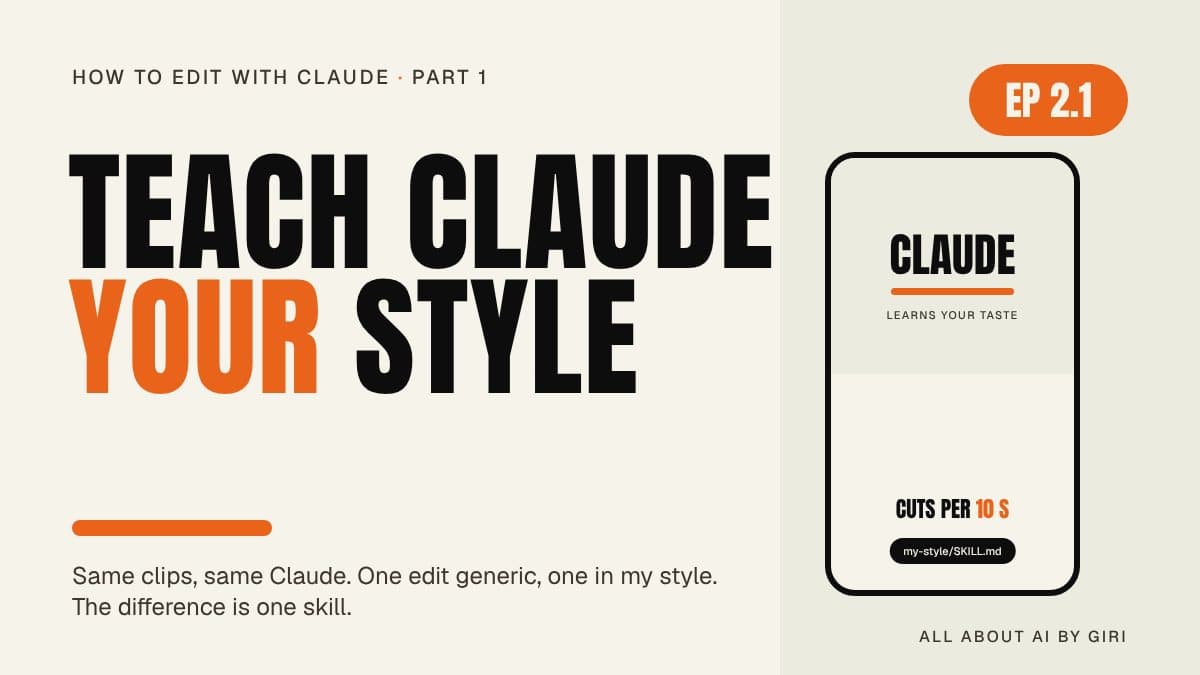
Then I tried the same thing again with one extra file in the folder, and the first draft came out in my style. Same clips. Same Claude. The difference is one skill. This post is about that skill: what it is, why it works, and the three prompts that build it, which are the same three I pinned under the reel.
Same clips, same Claude, two edits
Here's the experiment I ran for Episode 2.1. One folder with my raw takes. Two Claude Code sessions. The first got the plain prompt: "edit this into a 45-second reel with captions". The second got the same prompt, but the folder also contained a skill called my-style. Tap between the two below; the phone is a mock-up, the differences are the real ones I saw.
Correct, and nobody's
It cut the pauses, it added captions, it put a title up. Every choice was the average of every reel on the internet.
- Centred yellow-and-white captions in a font I've never used
- A "🤯" hook card. I have never once put an emoji on screen
- Cuts every 1.1 s, because "fast is engaging"
- A generic end card asking people to subscribe
Correct, and mine
Same footage, same prompt. The skill told it what I actually do, as numbers, and it followed them.
- Anton display type on a Paper panel, Atomic Orange underline: my brand kit
- Captions in the lower third, 2–4 words, one orange accent word per chunk
- Cuts on word boundaries, alternating 1.0 / 1.12 punch-ins on every jump cut
- The CTA I always use, in the words I always use
The first edit wasn't wrong. That's the trap. It was competent in the way a stock template is competent, and it would have taken me longer to fix than to redo.
Why the default is everyone's average
Claude is a general-purpose model. I wrote a whole post about what that means for Skills, but the short version for editing is this: when you don't tell it your taste, it gives you the statistical centre of everybody's taste. Yellow captions, fast cuts, emoji hooks. Not because it's bad at editing, but because that's what "a reel" looks like on average.
The fix is the same one that works for every "it's good but not mine" problem with Claude: a skill. A folder with a SKILL.md that Claude loads on demand. The difference from a normal prompt is that this one is measured: it doesn't say "punchy captions", it says "2–4 words per chunk, appear per word, 72 % from the top". And it's built by a second skill, whose only job is to watch references and write those numbers down.
Give Claude eyes and ears
Claude can't watch a reel. It can read a transcript, look at frames, and run tools. So before it can learn a style, it needs four tools on your machine, and they're all free: Python, ffmpeg (frames), yt-dlp (downloading a reference) and faster-whisper (a transcript with word timings). The whole setup is three prompts, run in order, in the same folder. Step through them below; each pane is the exact text I pinned under the reel.
Prompt 1Set up this folder for video analysis. Check if Python, ffmpeg, yt-dlp and faster-whisper are installed. Install what's missing (Windows: winget + pip, Mac: Homebrew + pip) and add them to my PATH (Windows: user environment variables, not a PowerShell profile). If something needs admin rights, give me the exact command. Test each one, then tell me to restart Claude Desktop. Test: download <one reference link>, make a contact sheet of its shots and a transcript with word timings.THEN TYPE: /plugin install skill-creator@claude-plugins-official
Why the PATH detail matters. On Windows, pip drops yt-dlp into a Scripts folder that isn't on the PATH. I lost an evening to that once. Now the prompt says exactly where the variable goes, and asks for a test that proves all four tools work before moving on. The contact sheet is the "eyes" check; the word-timed transcript is the "ears" check.
Prompt 2Use skill-creator to make a project skill called learn-style.
Input: video links or files + design images. Output: a skill called my-style that describes my editing style in numbers.
1. Download with yt-dlp (login needed? ask me for the file), pull frames with ffmpeg (every shot + 12 fps sheets of the hook and each transition), transcribe with faster-whisper.
2. Measure cuts per 10 s, shot length, caption words + position, font type/weight, hex colours, transition frames, zooms, words per minute.
3. Copy technique only, never their words, logos or footage.
4. Ask me for my fonts, colours and logo. Never guess.
5. Write .claude/skills/my-style/SKILL.md as "do X when Y" rules + one notes file per reference. If my-style exists, merge and list what changed.
Keep download/frames/transcribe as scripts inside the skill.
A skill that writes a skill. learn-style is the teacher; my-style is the notebook. Line 2 is the whole trick: every adjective you'd normally use ("fast", "clean", "bold") becomes a measurement. Line 4 is the rule I'd underline twice: Claude will happily invent a brand colour if you let it. Don't let it.
References are the input. The platform doesn't matter, the references do. Mine came from three places:
One rule from my own references folder: a reference that needs a login (a private reel, a paid course) can't be downloaded by yt-dlp. The skill is told to ask for the file, not to work around it. Official routes only.
Prompt 3/learn-style
References (one style): <link 1> <link 2> <link 3> + <image files>
Focus: captions, cuts, transitions, text layout.
My brand: fonts <...>, colours <...>, logo <file>.
Format: 9:16 talking reels, 45-60 s.
When done: summarise my-style on one page + 3 things you're unsure about.
"3 things you're unsure about" is the line that makes this a conversation instead of a guess. On my first run it came back with: is the whip-pan at 12 s a rule or a one-off? Do you want the accent word chosen automatically? Is 175 wpm your pace or theirs? Good questions. I answered them, and they became rules.
Run those three and you end up with two folders under .claude/skills/: learn-style, which you'll keep pointing at new references, and my-style, which Claude reads on every edit from now on.
What a style looks like in numbers
This is the part I find genuinely satisfying. "Your style" sounds vague until you see it as a table. Here's the shape of the style.md the skill writes for one reference, measured on a real 34-second reel. Tap a measurement to see what it means, where the evidence comes from, and which knob in the edit it ends up controlling.
Cut rhythm
How often the picture changes, averaged across the reel. The hook runs faster (0.8 s shots), the body settles. "Punchy" was never a number; this is.
Evidence: shots.json from the shot scan, plus the first motion page. Counted, not estimated.
→ how many clips the EDL gets per 10 s of programme timeShot length
The average time one take stays on screen before a cut, an insert or a graphic replaces it. Pairs with cut rhythm; together they set the pace the edit copies.
Evidence: shots.json. Scenes in my motion kit are clamped to 1.8–3.6 s because of numbers like this one.
→ inserts[].duration · scene length in the storyboardCaptions
Words per chunk, how they appear (per word, not per line), where they sit (~72 % from the top), bold sans, white with a shadow, one accent word. Five numbers hiding inside "nice captions".
Evidence: a 12 fps frame sheet of the hook, t = 0.42–1.3 s. Reveal timing only shows across frames, never in one screenshot.
→ captions.style "word" · max_words 3 · position "lower" · one accent per chunkFraming
Every jump cut alternates between the full frame and a ~15 % punch-in, with the face kept in the upper third. That alternation is why their jump cuts read as camera changes instead of glitches.
Evidence: motion pages 1–3 (four frames per shot, one row per shot).
→ clips[].punch 1.0 / 1.12 alternating · focus on the faceTransitions
Hard cuts everywhere except one whip-pan at 12.1 s, three frames long, on the topic change. One transition in 34 seconds. Most of "their editing style" is restraint.
Evidence: frames/whip.jpg, counted in frames at 12 fps.
→ clips[].transition "whip" once, at the topic change; everything else "cut"B-roll
Share of the runtime covered by inserts: full-frame screen recordings, 1.5–2 s each, on shots 4, 7 and 9. The number tells the edit how much of my talking head to cover, and for how long.
Evidence: shots 4, 7, 9 in the contact sheet.
→ inserts[].layer "full" · duration 1.5–2 sPace
Words per minute from the transcript, with pauses ≤ 0.25 s. This one is a question, not a rule: is that their pace or mine? The skill flags it; I answered "mine is ~150, keep the pauses".
Evidence: ref.transcript.json word timings from faster-whisper.
→ how aggressively pauses get trimmed between clipsType + colour
The reference's fonts and colours are recorded and then explicitly not copied. Technique from the reference; identity from my brand kit: Paper, Oatmilk, Ink, Atomic Orange, Anton for display, Geist for everything else.
Evidence: the brand I gave it in Prompt 3. The skill is told never to guess these.
→ the brand file every graphic reads from (Part 2 of this series)Notice the last column of every panel. A measurement is only useful if it lands somewhere: a caption setting, a punch value, a transition type. In my setup those knobs live in an edit decision list, a JSON file that is the edit. Part 2 is about that file and the template around it. For now the takeaway is simpler: the moment style is numbers, it's repeatable. And once it's repeatable, it's improvable.
Technique, never content
The single most-corrected mistake in my early sessions was Claude copying a reference's content instead of its grammar. I gave it a reel about meerkats as a pacing reference and got back a script about meerkats. So learn-style carries two lists, and the second one is non-negotiable.
- Cut rhythm: cuts per 10 s, average shot length
- How captions behave: words per chunk, reveal, position
- Framing habits: punch-ins, splits, zoom rates
- Transition types and their length in frames
- B-roll density; which beats get a graphic
- Grade direction: warm / cool / contrast / grain
- Energy: where the hits and moves land
- Their footage, people, screenshots
- Their illustrations or logos
- Their wording, plot, or story
- Their fonts and colours (mine replace them)
- A device I can't name: describe it, then rebuild it
The part nobody mentions: it compounds
A prompt is a one-off. A skill is a file, and files accumulate. Every time I review an edit and send notes ("the title held too long", "that word is hidden behind my head"), those notes go back into the skill as rules. Every time I watch a tutorial on type sizing or transitions, I point learn-style at it and it writes a lesson: what was said, what I could verify, what it changed in the tools, and a before/after render to prove the change helped.
Here's the actual lessons index from my setup, two weeks in. Each row changed a real file.
| Date | Lesson | Source | What it changed |
|---|---|---|---|
| 23 Oct | Size text from a ratio scale | Aevy Video School, "How to Size your Texts!" | type scale classes in the kit, a type_scale.py check, caption defaults |
| 23 Oct | Pure motion graphics: one accent, named moves with numbers | two motion designers on X, a motion-prompt repo | motion, transition and colour rules; an After Effects motion kit |
| 25 Oct | Readable, designed, fonts by role | my own frame-by-frame review of an edit | a new layout reference, reading-time rules, a layout check that runs before any render |
| 27 Oct | Vox-style 2.5D collage with a 3D camera | "Vox Style Editing", a Pinterest pin | a shared 3D stage for After Effects, a new "story" scene |
| 29 Oct | Explainer: words land as spoken on a grey stage | two Pinterest pins | an explainer template and its own /explainer command |
| 29 Oct | Explainer v2: smooth 3D camera, Easy Ease, blur on | my review of the first explainer | the locked look for that style |
Two of the six lessons came from my own reviews, not from tutorials. That's the loop Part 3 is about: Claude reviews its edit, I review Claude, and both reviews turn into rules. The style file I have today is not the one learn-style wrote on day one. It's better, because every mistake only had to happen once.
Try it yourself
The three prompts exactly as pinned under the reel, plus a filled-in example of the style file the skill writes, so you know what "done" looks like before you start.
⬇ ep2-1-teach-claude-your-style.md 2 KB · the three prompts⬇ style.example.md 2 KB · one reference, measured⬇ analysis-template.md 1 KB · the analyst prompt I use on any reelA few things I'd tell a friend before they run it:
- Pick references in one style. Three reels that look alike teach a style. Three that don't teach an average, and you're back where you started.
- Give it your brand before it asks. Fonts, hex values, logo file. The question "what colour is your accent?" has exactly one correct answer, and it isn't Claude's guess.
- Read the "3 things I'm unsure about". That's where the skill is honest about what it measured versus what it inferred. Answer them, and the answers become rules.
- Keep the scripts inside the skill. Download, frames, transcribe. Then
learn-styleworks on a fresh machine with nothing else installed, which is the whole point of a skill.
What I learned
- Taste is a file, not a vibe. Everything I thought was intuition turned out to be eight numbers and a brand kit. That was humbling, and then it was freeing.
- Measurements beat adjectives. "Make it punchier" produced six rounds of notes. "3.4 cuts / 10 s, 2–3 word captions" produced one.
- The second skill is the real product.
my-styleis what Claude reads.learn-styleis what keeps it current. Build the teacher, and the notebook writes itself. - A new chat forgets. A skill doesn't. This is the whole reason to do it as a skill instead of a very good prompt.
Next, in Part 2: Episode 1 took six rounds of edits and Episode 2.1 took one. The style file explains half of that. The other half is a template written in code, so the edit comes out the same way every time.
If you'd rather watch than read, the 60-second version is on Instagram, with the prompts pinned in the comments.